
How to Use Bulk Edit
- Click Campaigns in the left navigation menu
- Use the checkboxes to select two or more Campaigns you want to update
- Click Edit Many - this button activates once two or more Campaigns are selected
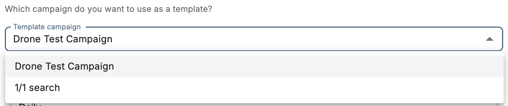
- Choose a template Campaign to pre-populate the editing form
- Update the fields you want to change - each section has its own Save button so you can apply changes independently
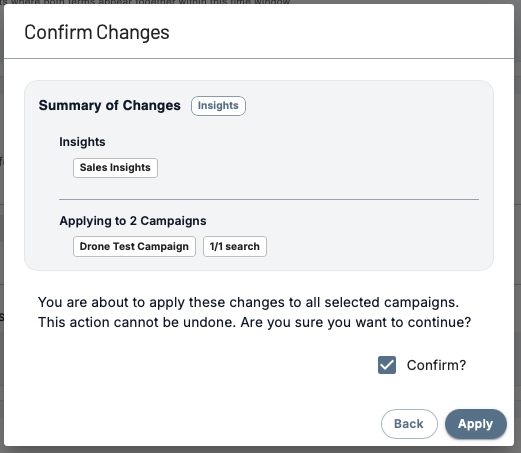
- Confirm the changes in the modal that appears - updates will apply to all selected Campaigns
What Can Be Updated in Bulk
- Keywords
- Alert frequency
- Insight settings
- Location filters
- Demographic filters
- Speaker filters
Things to Know
- You must select at least two Campaigns to use Edit Many
- Campaign names cannot be edited in bulk
- Each section of the bulk edit form has its own Save button - you only need to save the sections you've changed
- Bulk edits cannot be undone - review your changes carefully before confirming
Pro Tip: Bulk editing is especially useful when expanding to a new territory, rolling out a new product, or adjusting alert frequency across your entire Campaign setup at once.
Best Practices
Bulk editing is especially useful when:
-
Expanding campaigns to new locations
-
Updating keywords across multiple campaigns
-
Enabling or disabling Insights across several campaigns
-
Adjusting alert frequency for multiple campaigns at once
Using bulk editing ensures your campaigns remain consistent and easy to manage as your monitoring needs grow.
Questions? Contact us at support@cloverleaf.ai