
Navigate to the meeting your want and select the keyword text snippet you want to share with a user. Click the share icon 
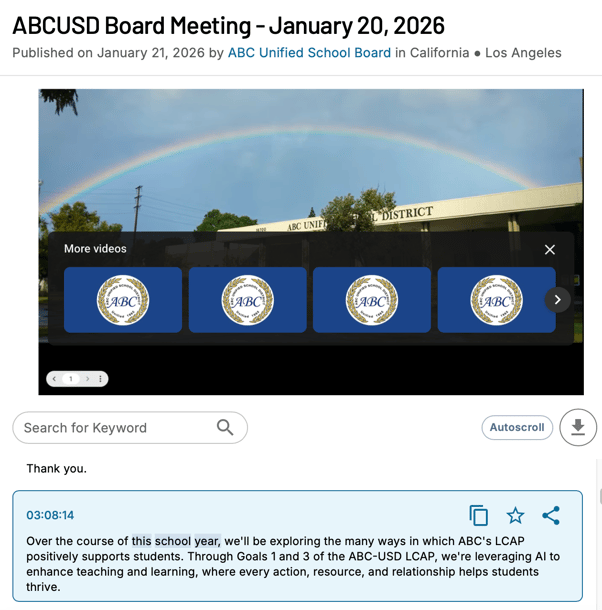
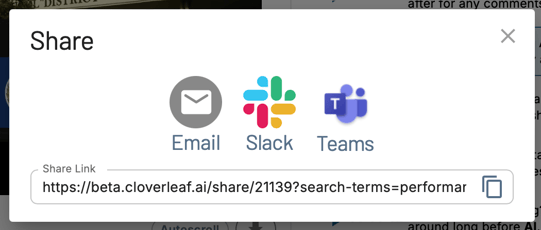
You will then be prompted to select how you wish to share the meeting. You can share the individual link with anyone who does or does not have a Cloverleaf AI account.
If a user does not have a Cloverleaf AI account, they will be prompted to create a FREE Cloverleaf AI account. Once their FREE account is created, they are able to view the meeting information.